Simple Steps. Big Impact.
Get started in minutes and start saving every day.
- 01
Add
Add what you bought — type a name and NTRLY fills in the rest.
- Category, storage spot and expiry date filled in for you
- A picture attached automatically
- Bulk-add the whole shop in one sitting
Add Item
Item name
Strawberries
 CategoryProduceStorageFridgeExpiresIn 3 days
Filled in for you
Add to Kitchen - 02
Track
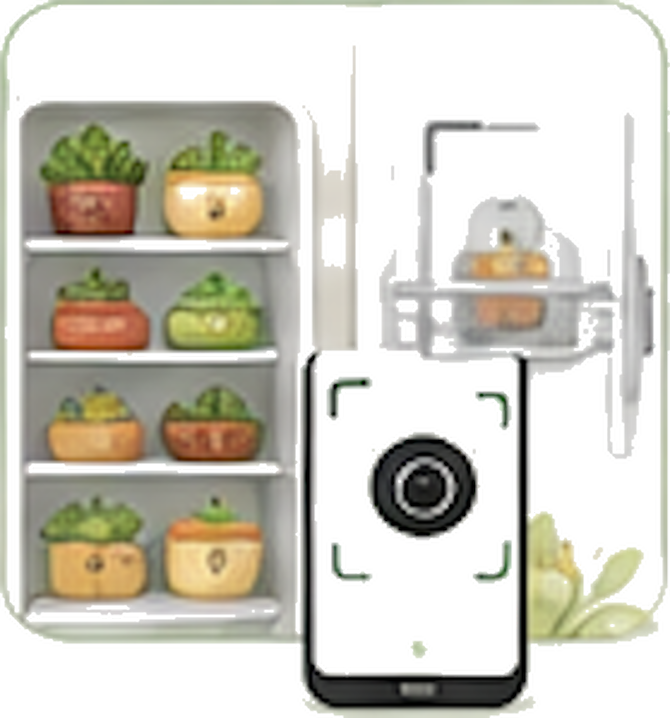
Watch what's fresh, what's close, and what needs using tonight.
- A countdown on every item
- Fridge, freezer and pantry at a glance
- Alerts while there's still time to cook it
- 03
Plan
Build the week's meals around what you already have.
- Recipes matched to your shelves
- Drag meals onto days
- Anything missing goes straight to the grocery list

- 04
Save
Compare prices, cut waste, and watch the savings add up.
- Store-by-store price comparison
- Spend tracked by store and category
- Monthly savings and waste in one chart

Questions
Before you start
The things people ask us most often.
Do I need to enter everything by hand?
Only the name. Start typing 'greek yog' and NTRLY recognises the item, then fills in the category, the shelf it belongs on and a realistic expiry date. You can correct anything it guesses, and the whole shop usually takes a couple of minutes.
Does it work with my store?
Yes. NTRLY isn't tied to any retailer — you add the stores you actually shop at, and price comparison learns from what you record. It works the same whether you shop at a national chain, a local grocer or a mix of both.
Is my data private?
Your kitchen is yours. Inventory, receipts and meal plans are tied to your account, never sold, and never shared with advertisers. You can export or delete everything from Settings at any time.
Can my family share one kitchen?
Yes, on any plan. Invite the household from Settings and everyone shares one inventory and one grocery list, so when somebody buys milk on the way home, everyone else sees it before they buy a second carton.
What does it cost?
Nothing to start — the free plan holds your whole pantry with expiration alerts and grocery lists, and it stays free. Premium is $9.99/mo or $99.99/yr, the same on iPhone and Android, and it lifts the free plan's daily scan and AI limits and its 3-day planning window. There is no trial to run out — the free plan is how you try it.